How to Choose a Foundation Shade Online, Step by Step
 Reviewed by Alexandra Gilmore
Online foundation matching works better as a short process than as one decisive quiz. Narrow formula, depth, and undertone; compare neighboring shades; plan for returns; and confirm the winner where jaw meets neck after checking the finish and oxidation in natural daylight.

Choosing a foundation shade online is easier when you stop looking for one decisive quiz and use a short process instead. First narrow the formula, depth, and undertone. Then compare two nearby shades, order in a way that leaves room for error, and confirm the result on the area where your face meets your neck.
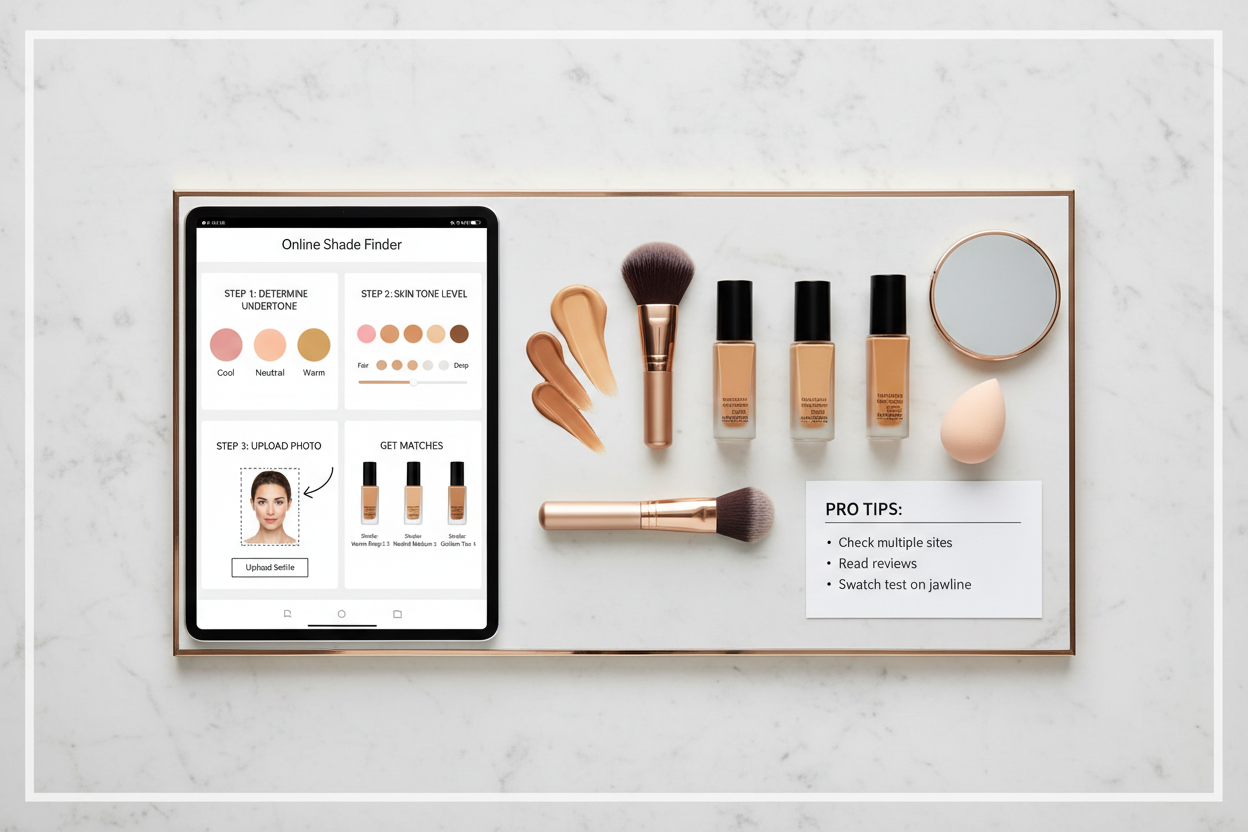
An online shade finder can help with the shortlist, but it cannot see every variable that changes the final result. Camera white balance, screen settings, coverage, finish, skin prep, and the way a formula dries can all affect what you see. Treat any recommendation as a starting point, not a guarantee.
This guide covers the full buying process, including what to do before you open a shade tool, how to transfer a match from another product, and how to check the bottle once it arrives. If you specifically want to use a selfie, camera, or uploaded image, see our separate foundation shade finder with photo guide. To compare AI, AR, retailer, and quiz-based tools before choosing one, use the foundation shade finder tools comparison.
Key Takeaways
Choose the formula before the shade, because finish and coverage affect how color reads on the skin. Narrow the range by depth and undertone, then keep two neighboring candidates rather than forcing an exact answer from a screen. After delivery, test thin swatches from the lower cheek across the jawline, wait for the formula to dry, and check the result in natural daylight. The better shade is the one that blends into both face and neck without turning noticeably orange, pink, gray, light, or dark.
💫 Discover Your Complete Color Palette
If foundation shades keep looking too yellow, pink, or gray, your broader color direction can help you make sense of the pattern. Build your personal palette to compare warm, cool, neutral, and olive clues.
Find My Color Palette →📚 Recent Articles
Start With Formula, Coverage, and Finish
Shade is only one part of a foundation match. A sheer skin tint lets more of your natural color show through, so a slightly imperfect match may still blend well. A full-coverage matte foundation deposits more pigment and makes a small mismatch easier to see. A luminous finish reflects more light, while some matte formulas can look flatter or slightly deeper after they set.
Before comparing shade numbers, decide what you actually want to buy:
- Coverage: sheer, light, medium, or full.
- Finish: natural, satin, radiant, or matte.
- Formula: liquid, cream, stick, powder, serum, or tint.
- Skin needs: comfort, oil control, hydration, fragrance preferences, or ingredient restrictions.
This order matters when you transfer a known shade. Even within one brand, the same-looking shade name can behave differently across two formulas. Estée Lauder notes in its foundation finder that coverage, finish, and undertone options vary between products, so a match in one line may differ from the match in another.
Pick the product first and the shade second. Otherwise, you may find a promising shade in a formula that does not suit the way you want your foundation to wear.
How to Choose a Foundation Shade Online in 7 Steps
1. Describe Your Current Skin Depth
Start with the depth you see today, not the label you have used for years. Brand ranges may divide depth into fair, light, light-medium, medium, tan, deep, and rich, but those words have no universal boundary. One brand's medium can sit close to another brand's light-medium.
Look at your makeup-free lower cheek, jaw, neck, and upper chest in indirect daylight. Choose the broad depth family that would connect those areas without making the face look detached from the body. If your face is darker from sun exposure or lighter than your chest, aim for a transition between face and neck rather than matching one small patch exactly.
2. Narrow the Undertone Family
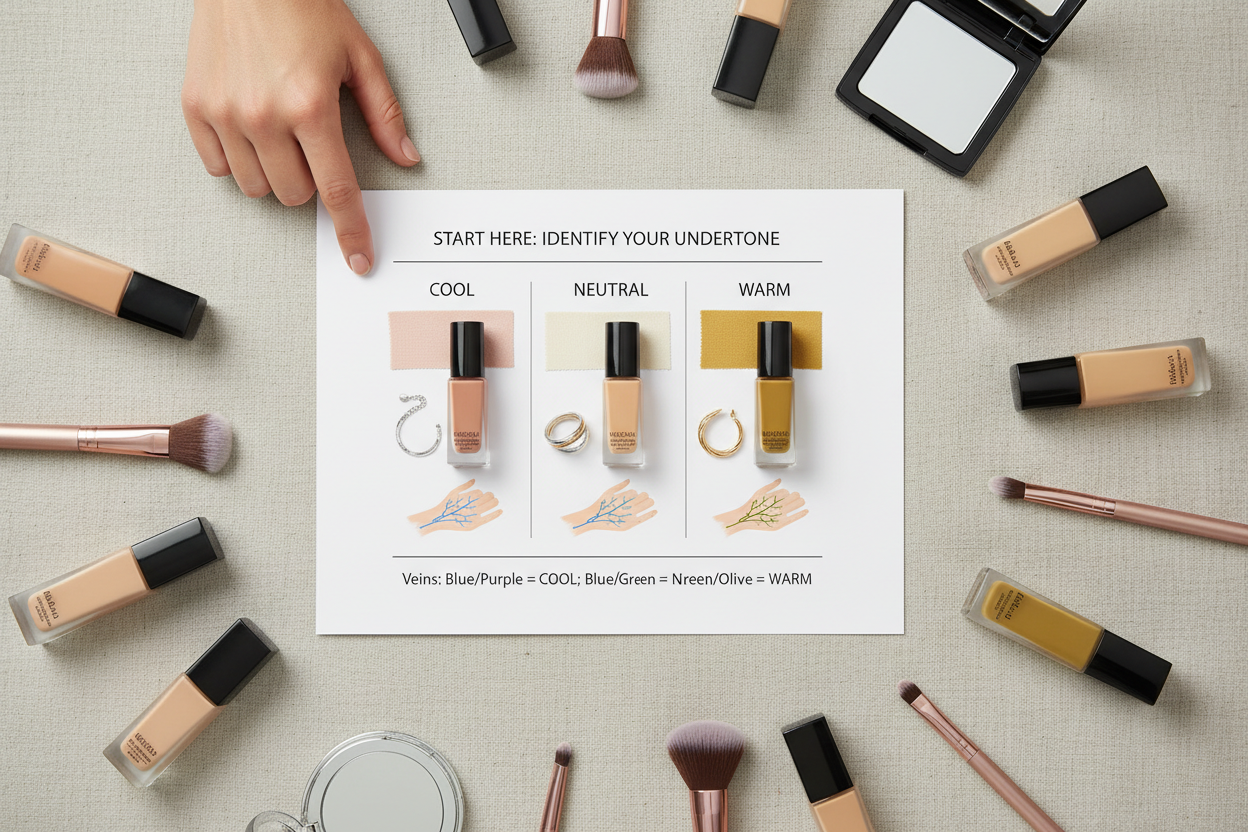
Undertone describes the color direction beneath the visible depth. Foundation ranges often group shades as cool, neutral, warm, or olive, though the letters and names vary. Cool shades may lean pink, red, or blue; warm shades may lean yellow, golden, or peach; neutral shades sit between them; olive shades usually include a muted green or gray-green quality.
Do not rely on one wrist-vein or jewelry test. Surface redness, tanning, room light, and phone processing can distort the clue. Compare several signs and, when possible, compare actual foundation swatches. Our at-home undertone test explains how to combine observations, while the foundation undertone guide focuses on warm, cool, neutral, and olive labels.
3. Use a Known Match If You Have One
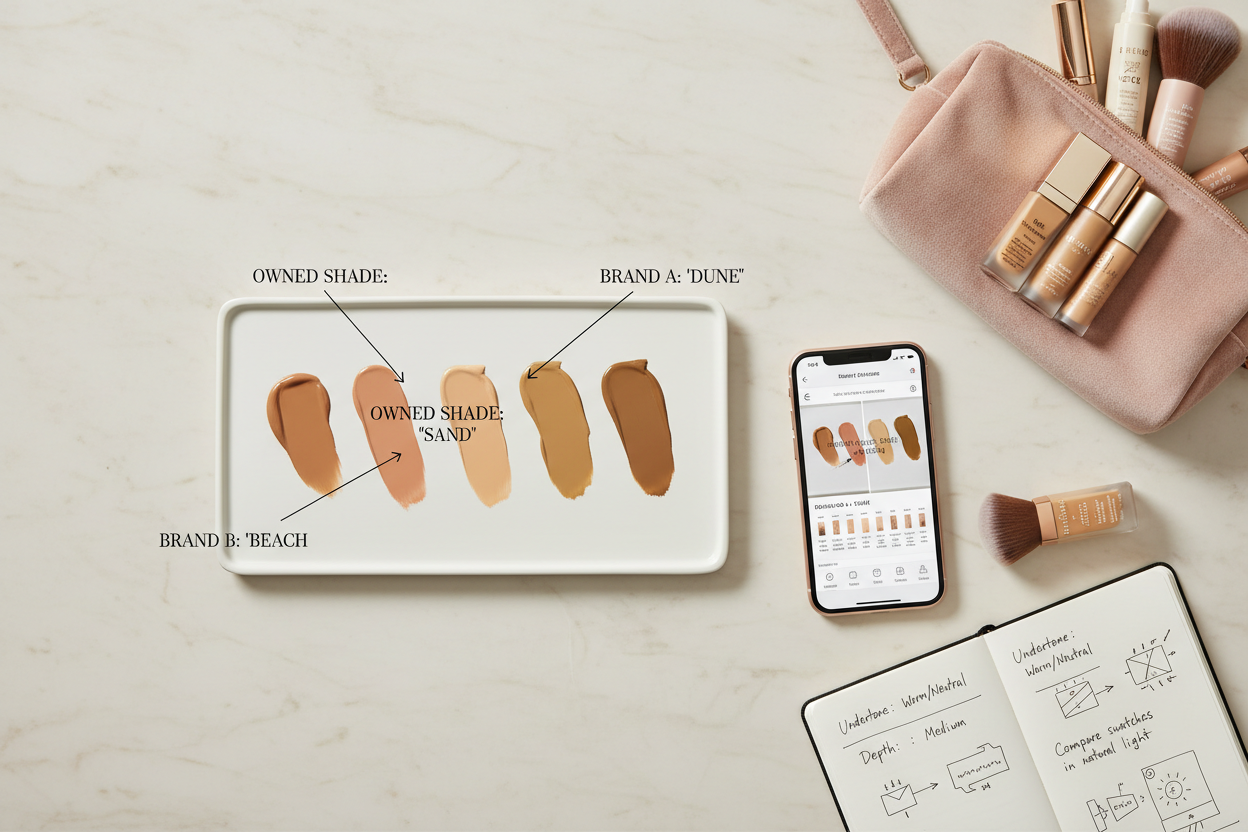
A bottle that already blends well is more useful than a general quiz result. Enter its exact brand, product line, and shade into the new brand's matching tool if that option exists. You can also compare official swatches and shade descriptions side by side.
Use the result to locate a neighborhood in the new range, not to choose blindly. A converter may map pigment data or crowdsourced matches, but it cannot guarantee that two different formulas dry to the same color on your skin.
4. Make a Shortlist of Two Nearby Shades
Online images often make adjacent shades look identical. Keep the two most plausible options, and add a third only if your undertone is genuinely unclear. The shortlist should usually stay within one depth step and one undertone step. For example, you might compare medium neutral with medium warm, or medium neutral with medium-deep neutral.
Read the written shade descriptions as well as the pictures. Look for depth and undertone language, then compare swatches on more than one model if the product page provides them. Product photos are a reference, not a calibrated color sample, because your screen and the photography setup can shift the display.
5. Check the Brand's Shade Order
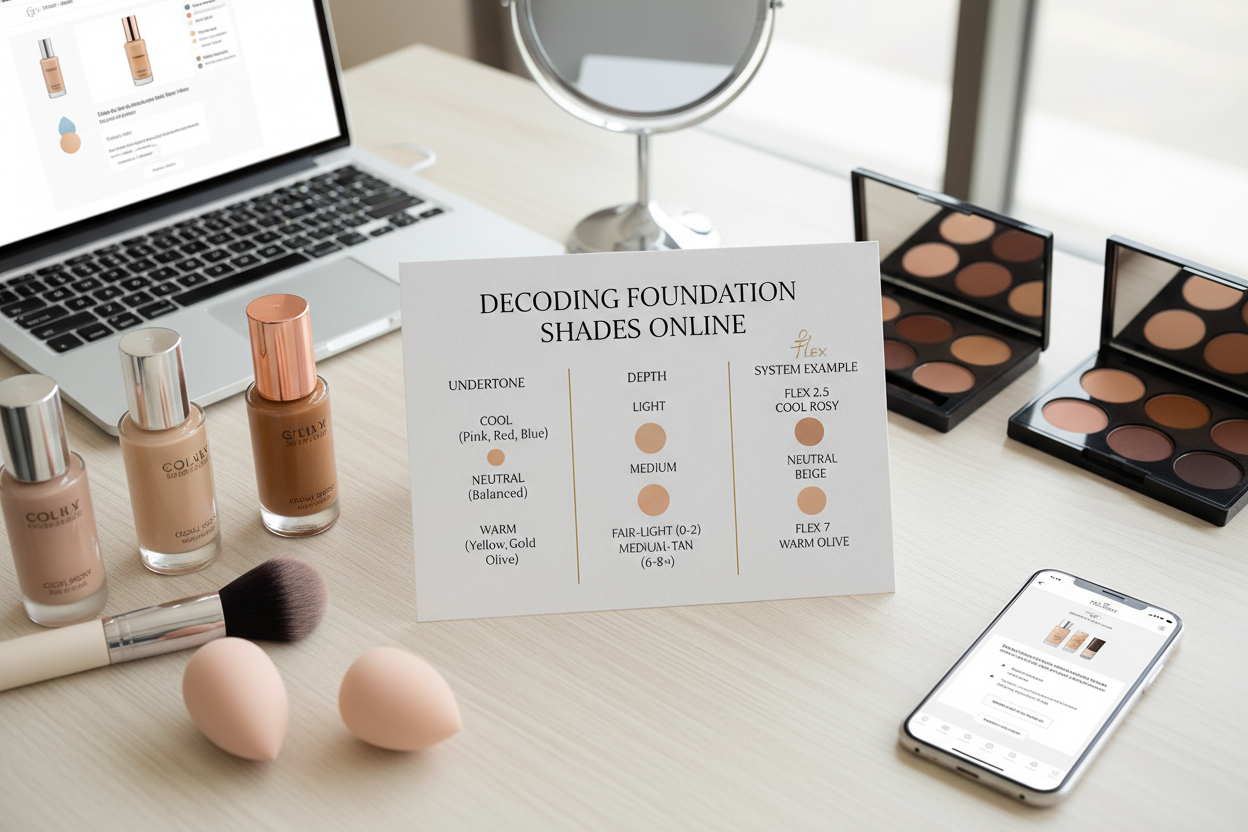
Do not assume a larger number always means deeper, or that C, N, and W mean the same thing everywhere. Some systems sort by depth first and undertone second. Others use names such as beige, sand, honey, caramel, or chestnut without a consistent cross-brand scale. A familiar shade name can describe a different color in another range.
Open the brand's shade chart and identify the shades immediately lighter, deeper, cooler, and warmer than your first choice. Knowing the neighbors makes it easier to correct the recommendation later.
6. Plan for Dry-Down and Seasonal Change
Foundation can look different after the wet layer settles. Some formulas deepen or become warmer; others simply look less reflective when dry. L'Oréal's guide to foundation color change recommends waiting a few minutes before judging a swatch because drying can alter the apparent color.
Your surface depth can also shift across the year, while the underlying color direction is usually more stable. If you tan noticeably, the shade that works in winter may be too light later in the year. Do not automatically buy a deeper version until your current color has actually changed. If you already own two good seasonal matches in the same formula, you can mix them for the weeks between.
7. Choose a Low-Risk Way to Order
Before paying, check the current return policy for opened cosmetics. Policies vary by retailer, country, product type, and seller, and marketplace listings may not follow the brand's own rules. Save the shade tool result or take a screenshot so you can compare it with the bottle that arrives.
If available, choose a sample, mini, trial card, or retailer that clearly explains returns. Buying two full-size shades with the intention of returning one is not always allowed and creates unnecessary waste. A low-risk order is one you can test properly without assuming that a return will be accepted.
| Decision | What to record | Why it helps |
|---|---|---|
| Formula | Product line, coverage, finish | Prevents a shade comparison across unlike formulas |
| Depth | Broad family plus one lighter and deeper neighbor | Makes correction simple if the first choice is off |
| Undertone | Cool, neutral, warm, olive, or uncertain | Keeps the shortlist focused without forcing a label |
| Known match | Brand, full product name, exact shade | Gives converters enough information to be useful |
| Order protection | Sample option and current return policy | Reduces the cost of an imperfect online match |
How to Transfer a Shade You Already Know
Shade transfer works best when your reference foundation still matches your current skin and you know the exact formula. “Medium beige” is not enough. Write down the brand, complete product name, shade number, shade name, and how the product behaves after a normal day of wear.
Next, compare the reference shade with the new range using three sources: the brand's own description, official swatches, and a shade-conversion tool if one is available. If all three point to the same area, shortlist that result and one neighbor. If they disagree, trust the range structure over a single automated answer.
Pay attention to how your reference shade fails when it is not quite right. If it matches in depth but turns orange, the next product may need a less warm undertone rather than a lighter shade. If it looks gray while the depth is close, the undertone may be too muted, cool, or olive for you. If it disappears on the cheek but leaves a line at the neck, the depth needs adjustment.
A transfer is least reliable when you switch from a sheer tint to a full-coverage product, from powder to liquid, or between lines with very different shade spacing. In those cases, use the old bottle only to define the broad depth and undertone family.
How to Read Foundation Shade Names
Shade names are navigation labels, not universal color measurements. Words such as ivory, porcelain, nude, beige, sand, honey, tan, caramel, cocoa, and espresso may suggest a rough depth, but their meaning changes from brand to brand. Undertone letters can also be reversed or replaced by descriptive words.
Read the product's own legend before interpreting the code. A useful listing should tell you both depth and undertone, such as “medium with neutral undertones” or “deep with warm golden undertones.” If the page gives only a poetic shade name, compare it with neighboring shades and look for a chart from the same product line.
How to Verify the Match After Delivery
Test on clean, normally prepared skin. If you always wear moisturizer or primer under foundation, use the same routine for the test. Apply two or three thin vertical swatches from the lower cheek across the jawline toward the neck. Avoid judging a blob on the hand: hands often differ from the face in depth, sun exposure, and undertone.
Maybelline's foundation shade guide recommends comparing shades along the jawline and checking them in different lighting. Estée Lauder similarly advises confirming the match at the jawline, neck, and décolleté in natural daylight. L'Oréal's step-by-step matching guide suggests adjacent jawline swatches so the face-to-neck transition is visible.
Wait until the swatches are dry, then look beside a window or outdoors in open shade. Direct sun can create glare, while a yellow bathroom bulb can hide a warm mismatch. Check from normal conversation distance as well as close up. A good match should stop calling attention to the edge of the swatch.
Once one shade wins, apply a thin layer to a larger section of one cheek and wear it for several hours. This second test shows whether oil, skin care, and formula dry-down change the color. It also tells you whether the finish and coverage still look right outside the small swatch area.
Foundation Shade Troubleshooting
| What you see after dry-down | Likely issue | What to compare next |
|---|---|---|
| Orange or very yellow | Too warm, too deep, or the formula shifts warmer | Same depth in neutral or olive; also test one step lighter |
| Pink or red | Too cool or rosy | Same depth in neutral, warm, or olive |
| Gray or ashy | Wrong undertone, too light, or overly muted | One step deeper or a warmer/less muted neighbor |
| A pale line at the jaw | Too light for the neck or chest | One depth step deeper in the same undertone |
| Looks right wet, darker later | Dry-down or oxidation changes the color | A lighter neighbor or a different formula |
| Matches indoors, wrong by a window | Artificial lighting hid the mismatch | Choose from the daylight comparison |
Change one variable at a time. If the depth is correct but the color direction is wrong, stay at the same depth and move across undertones. If the undertone blends but the shade leaves a visible light or dark band, keep the undertone and move one depth step. This is faster than restarting the whole search.
People Also Ask
How can I find my foundation shade online without a camera?
Choose the exact formula first, estimate your current depth and undertone, then use a known foundation match or the brand's questionnaire to create a two-shade shortlist. Compare the written shade descriptions and official swatches. The final decision still needs an on-skin test after delivery.
Should foundation match my face or my neck?
Aim for a smooth transition across the lower face, jaw, and neck. Matching one red, pale, or sun-exposed patch can make the rest of the face look separate from the body. If face and neck differ noticeably, compare the upper chest as another reference and choose the shade that connects the areas most naturally.
Is it better to choose a lighter or darker shade when I am between two?
Do not use a universal lighter-or-darker rule. Compare both after dry-down. Choose the one that blends into the jaw-to-neck area with the correct undertone. Coverage also matters: a sheer formula is more forgiving, while a full-coverage formula makes a depth error obvious.
How long should I wait before judging a foundation swatch?
Wait until the formula has fully dried and no longer looks freshly wet. The exact time differs by product, so follow any instructions from the brand and watch the swatch rather than relying on one fixed number. If the color changes again during wear, test the winner over a larger area for several hours.
Can I use my concealer shade to choose foundation?
Only as a rough reference. Under-eye concealer is often lighter, brighter, or more corrective than foundation, and spot concealer may be closer to the skin. A foundation shade should be checked against the face-to-neck transition in its own formula.
Are online foundation shade finders accurate?
They can narrow a large range, especially when you provide a current known match or a well-lit photo, but they are not a guarantee. Screens, cameras, product photography, formula differences, and dry-down all introduce uncertainty. Use the recommendation to build a shortlist, then verify the result on skin.
A Simple Online Foundation Checklist
- Choose the formula, coverage, and finish before the shade.
- Assess current depth in indirect natural daylight.
- Use more than one clue for undertone.
- Record the exact product and shade of any known match.
- Keep two neighboring shades on the shortlist.
- Read the current return policy before ordering.
- Swatch from lower cheek across the jawline.
- Wait for dry-down and check in natural daylight.
- Wear the best candidate for several hours before deciding.
The goal is not to make an online tool sound certain. It is to reduce a large shade range to a sensible pair, test those candidates under realistic conditions, and know exactly which direction to move if the first choice is slightly off.