Foundation Shade Finder With Photo: Match Your Shade Online
 Reviewed by Alexandra Gilmore
A selfie-based foundation finder can narrow depth and undertone, but white balance, redness, formula, and oxidation can still move the answer. Take a color-accurate photo, identify what the tool actually measures, then verify its shortlist across the jaw and neck in daylight before purchasing.

A foundation shade finder with photo can narrow your options by estimating skin depth and undertone from a selfie. It cannot guarantee a perfect match: camera white balance, lighting, surface redness, formula, and oxidation can all change the result. Use the recommendation as a shortlist, then confirm it on the jaw and neck in daylight before buying.
💫 Discover Your Complete Color Palette
Not sure whether a shade looks wrong because of its undertone or because of its depth? Start with your personal color palette to understand the warm, cool, neutral, or olive direction behind the match.
Find My Color Palette →The most useful process has three parts: take a color-accurate photo, understand what kind of tool you are using, and verify the suggested shade on real skin. If you do not know your undertone yet, the skin undertone test at home gives you a practical starting point before you compare foundation labels.
📚 Recent Articles
What a photo foundation finder can and cannot tell you
A photo tool can estimate two useful parts of a match. Depth describes how light or deep the shade needs to be. Undertone describes whether the formula needs to lean warmer, cooler, more neutral, or olive. Some tools also ask about coverage and finish before recommending a product.
The result is still an estimate taken from a digital image. A phone may brighten the face, cool down warm indoor light, smooth redness, or raise shadows automatically. The tool also cannot predict exactly how a formula will dry on your skin. Treat the recommendation as two or three shades worth testing, not as proof that one bottle must be correct.
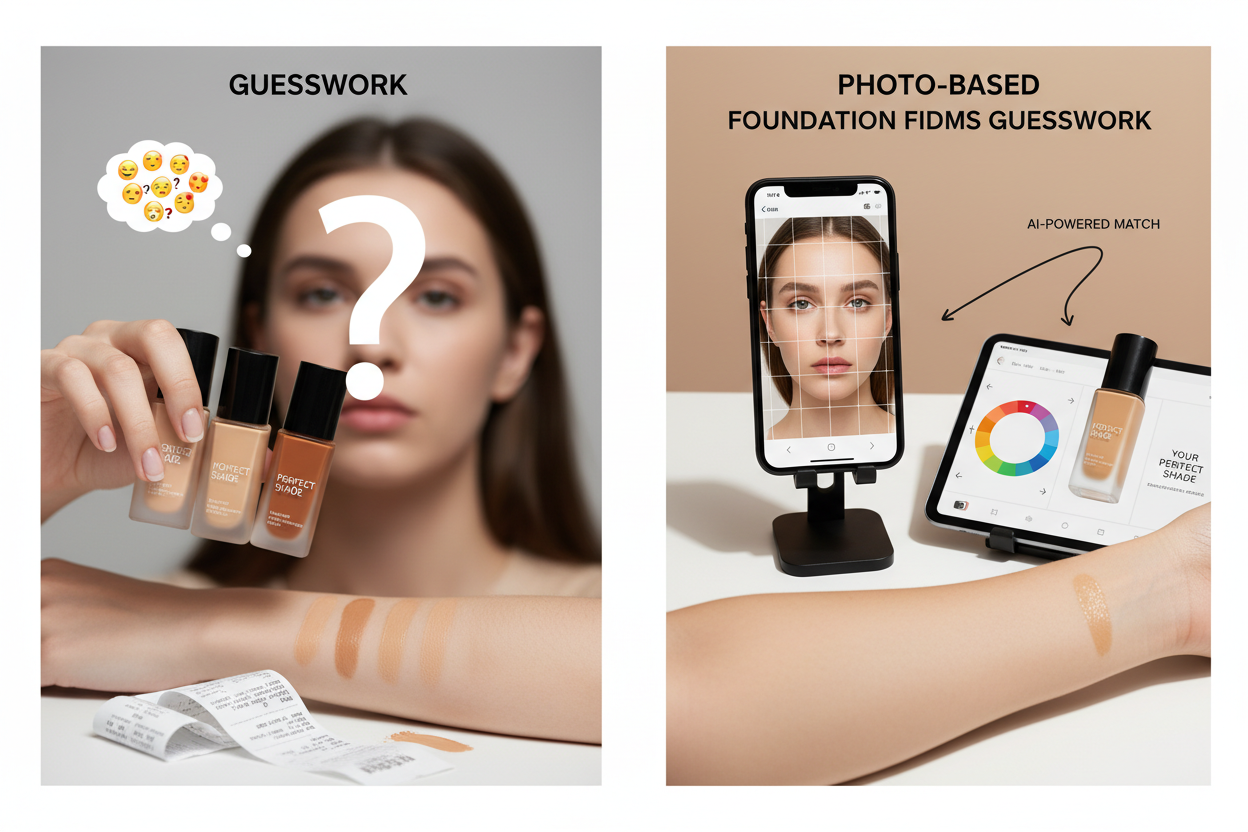
Four types of online foundation shade tools
The words finder, matcher, camera tool, and virtual try-on are often used as if they mean the same thing. Check the method before trusting the result.
| Tool type | What it does | Best use | Main limitation |
|---|---|---|---|
| AI camera scan | Reads a live camera view or guided scan and recommends shades | Building a brand-specific shortlist | Lighting and automatic camera processing still affect the reading |
| Static photo upload | Analyzes one saved selfie | Repeating a comparison with the same image | A poor photo produces a consistently poor result |
| AR try-on | Overlays a simulated product shade on a live image or photo | Previewing several shades and finishes quickly | The screen preview is not a physical swatch or a color measurement |
| Shade transfer | Uses a foundation you already wear to suggest a close shade in another range | Switching brands or formulas | The suggested equivalent may differ in undertone, coverage, or dry-down |
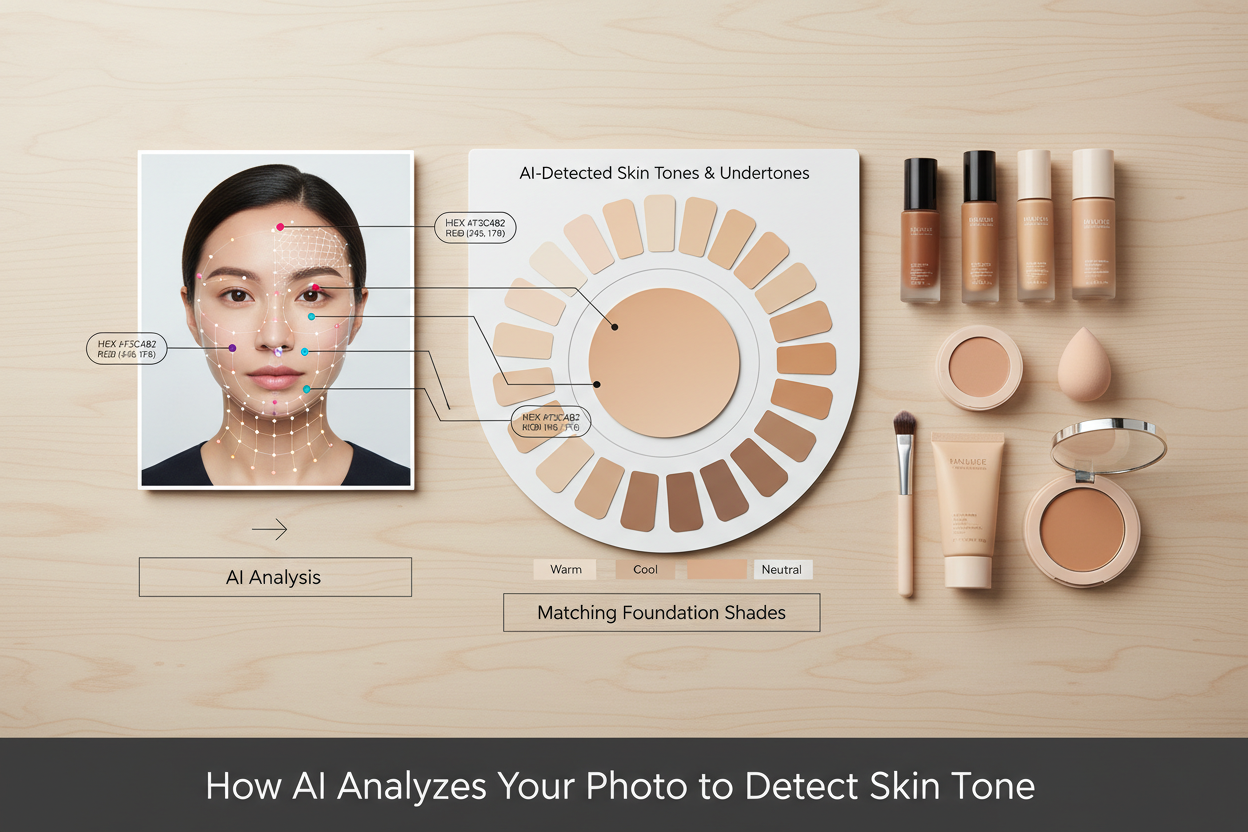
How to use a foundation shade finder with photo
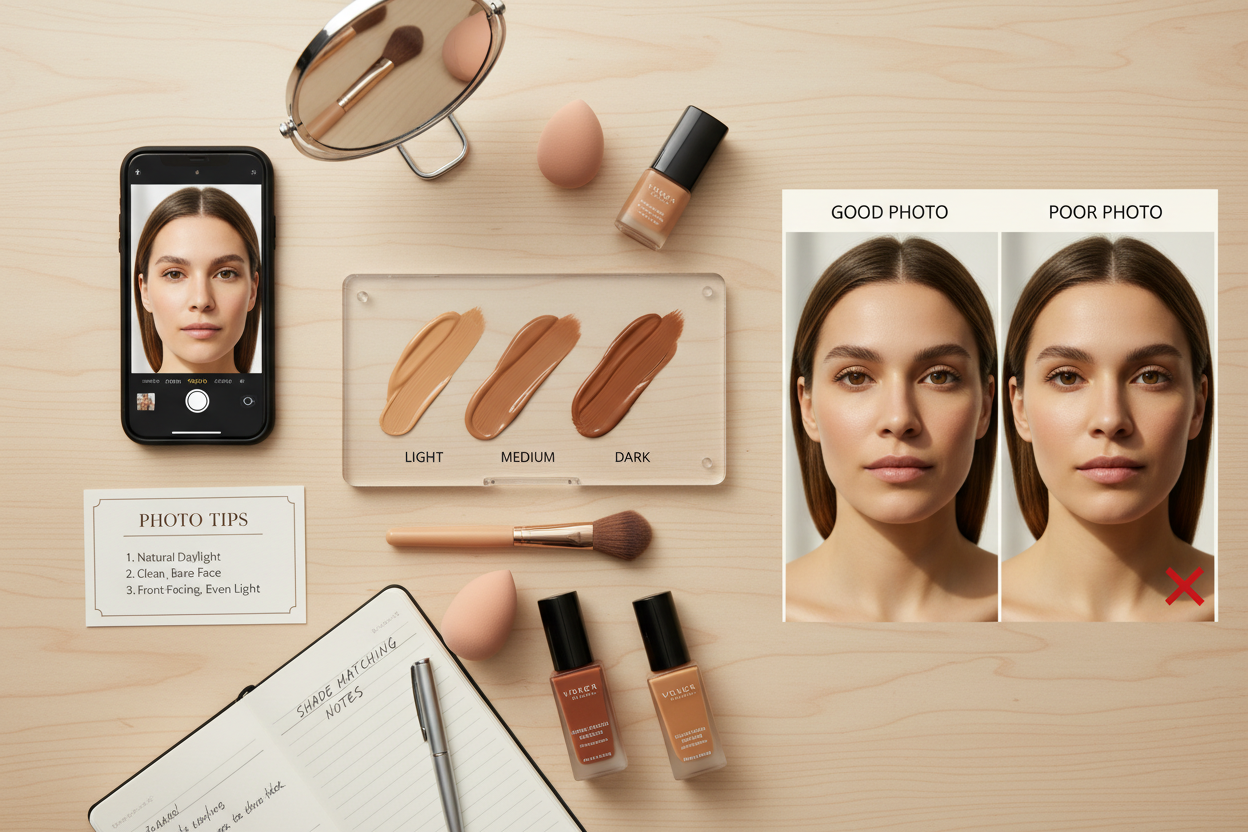
- Start with bare skin. Remove foundation, concealer, tinted moisturizer, bronzer, and self-tanner. Give temporary flushing from cleansing time to settle.
- Use even daylight. Face a window without standing in a beam of direct sun. Turn off strongly yellow, green, or blue room lights.
- Remove color interference. Turn off filters and beauty modes, pull brightly colored hair away from the face, and wear a neutral top.
- Keep the face straight. Hold the camera at eye level and include the forehead, both cheeks, jaw, and part of the neck.
- Follow the tool's scan instructions. A live scan may ask you to turn your head or move closer so it can compare more than one facial area.
- Save a small shortlist. Record the suggested shade and the neighboring lighter, deeper, warmer, or cooler options. Do not rely on the shade name alone.
If the result changes every time you move the phone, fix the photo conditions before interpreting the shade. Consistency matters more than getting an answer quickly.
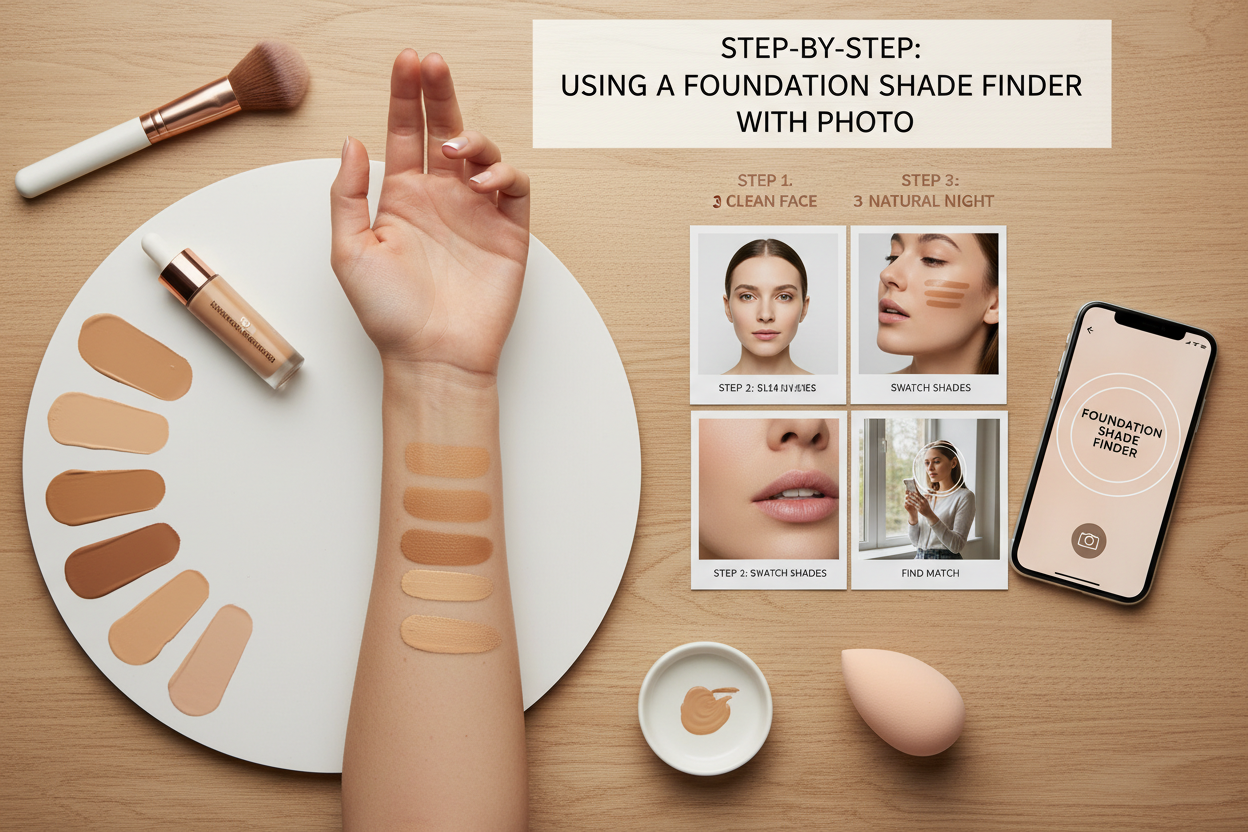
Verified foundation finders available online
Tool features change, so check the official page before uploading a photo. As reviewed in July 2026, these two brands clearly describe camera-based foundation matching on their own sites.
| Official tool | Confirmed method | Useful detail | Before using it |
|---|---|---|---|
| Maybelline Foundation Finder | Guided camera scan with AI recommendations | The official flow also asks about coverage and finish | Read the consent information and verify the result with a real swatch |
| Mary Kay Foundation Finder | Mobile-friendly face scan with AI shade recommendations | The official instructions recommend even natural light and no app download | The result is limited to the Mary Kay foundation range |
Maybelline also offers a separate Virtual Try-On that can use a live camera or uploaded photo. Use that distinction when comparing tools: an overlay lets you preview a look, while a foundation finder recommends a shade.
Privacy cannot be summarized with one rule for every service. Mary Kay states in its official Foundation Finder announcement that its tool does not store or process biometric data. For any other service, read its own current privacy notice rather than assuming the same policy applies.
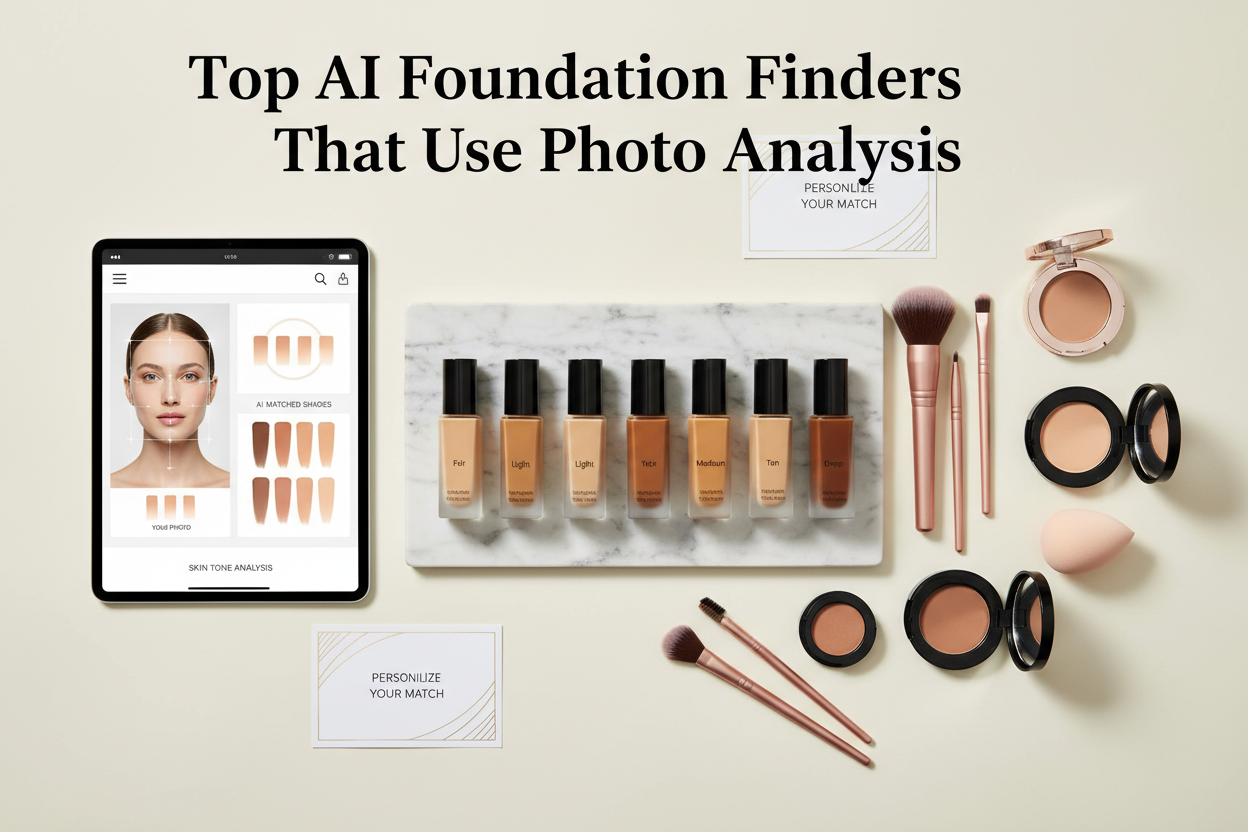
How to verify the recommended foundation shade
A digital result becomes useful only when it survives a real-skin test.
- Choose two or three neighboring shades. Include the recommendation plus the closest alternative in depth or undertone.
- Swatch from the lower cheek across the jaw. A wrist swatch tells you how the product looks on the wrist, not whether it connects the face to the neck.
- Check in daylight. Look straight ahead and from the side. The best shade should recede rather than create a visible stripe.
- Wait 20–30 minutes. Let the formula set before judging it. A shade may deepen, warm up, or become duller as it dries.
- Check the formula as well as the color. Sheer, full-coverage, matte, and luminous products can make the same shade read differently.
If samples are available, wear the closest match for several hours before buying a full-size product. Recheck it near the neck and upper chest, especially when the face has redness or a recent tan.
How to read depth, undertone, and shade codes
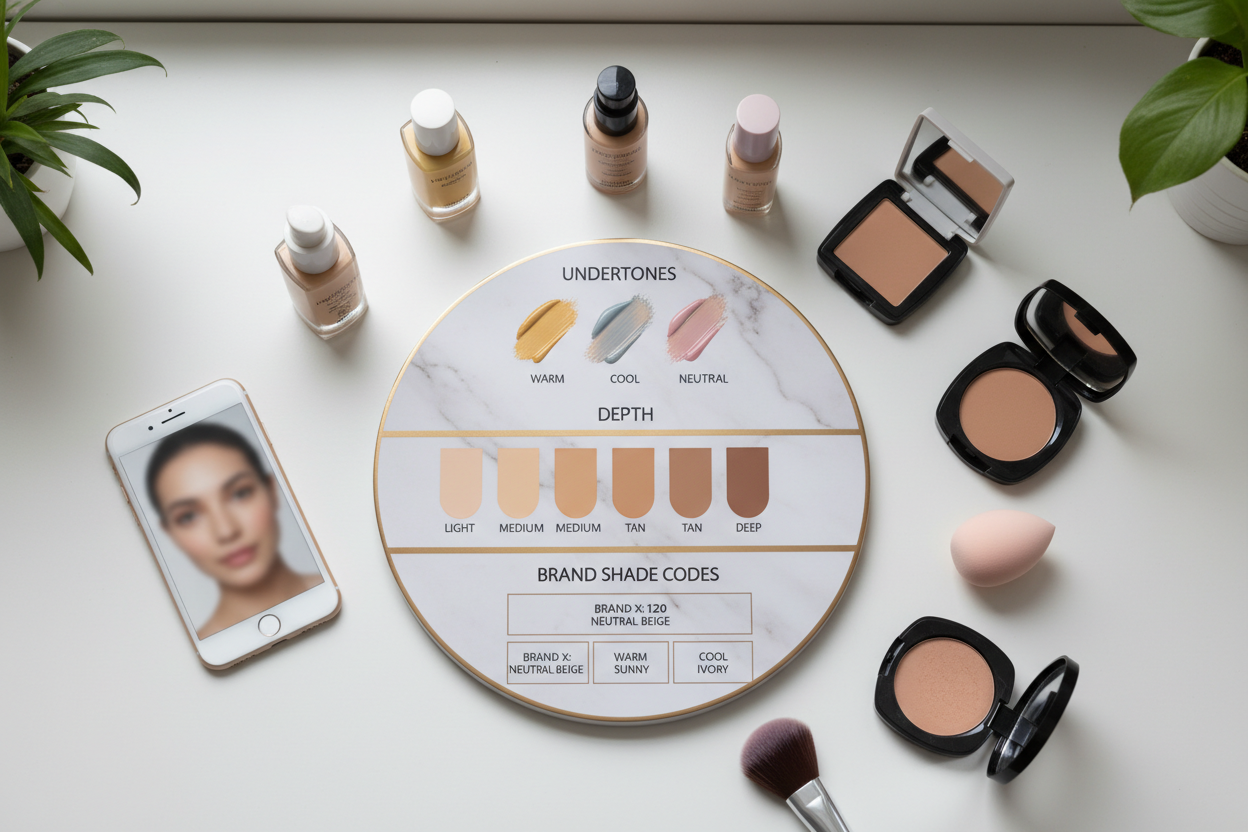
Depth labels usually move through categories such as fair, light, medium, tan, deep, and rich. These words are relative to each brand. A medium shade in one range may be visibly lighter or deeper in another.
Undertone labels are equally inconsistent. W may mean warm or golden in one line, while another brand may use Y, G, or descriptive names. C may mean cool or rosy. N usually means neutral, but it does not guarantee the same balance across formulas. Some ranges identify olive undertones separately; others place them under neutral or warm.
If warm shades turn orange, cool shades look pink, and neutral shades become gray, compare a muted neutral or olive option. The foundation shade-label reference explains how warm, cool, neutral, and olive labels behave across foundation ranges.
When photo shade finders disagree
Different answers do not necessarily mean one tool is intelligent and the other is broken. They may be reading different photos, using different shade libraries, or dividing undertones in different ways.
| What you see | Likely reason | What to try next |
|---|---|---|
| The result changes between rooms | Different light color or camera white balance | Retake one bare-skin photo in even daylight and reuse the same image where possible |
| The recommendation looks orange | Too warm, too saturated, or darker after drying | Compare neutral, olive, or a less saturated neighboring shade |
| The recommendation looks pink | Too cool or surface redness affected the scan | Compare the jaw and neck and try a neutral or warmer option at the same depth |
| The recommendation looks gray or ashy | Wrong undertone, too-light depth, or excessive muting | Test a slightly deeper or more golden/olive neighbor |
| The shade is right at first but darkens later | Formula dry-down or oxidation | Judge a fully dried swatch and test the next lighter shade in the same formula |
| Two tools choose different codes | Different brand ranges or classification systems | Compare the physical shades, not the numbers or names |
Turn the photo result into a safer online purchase
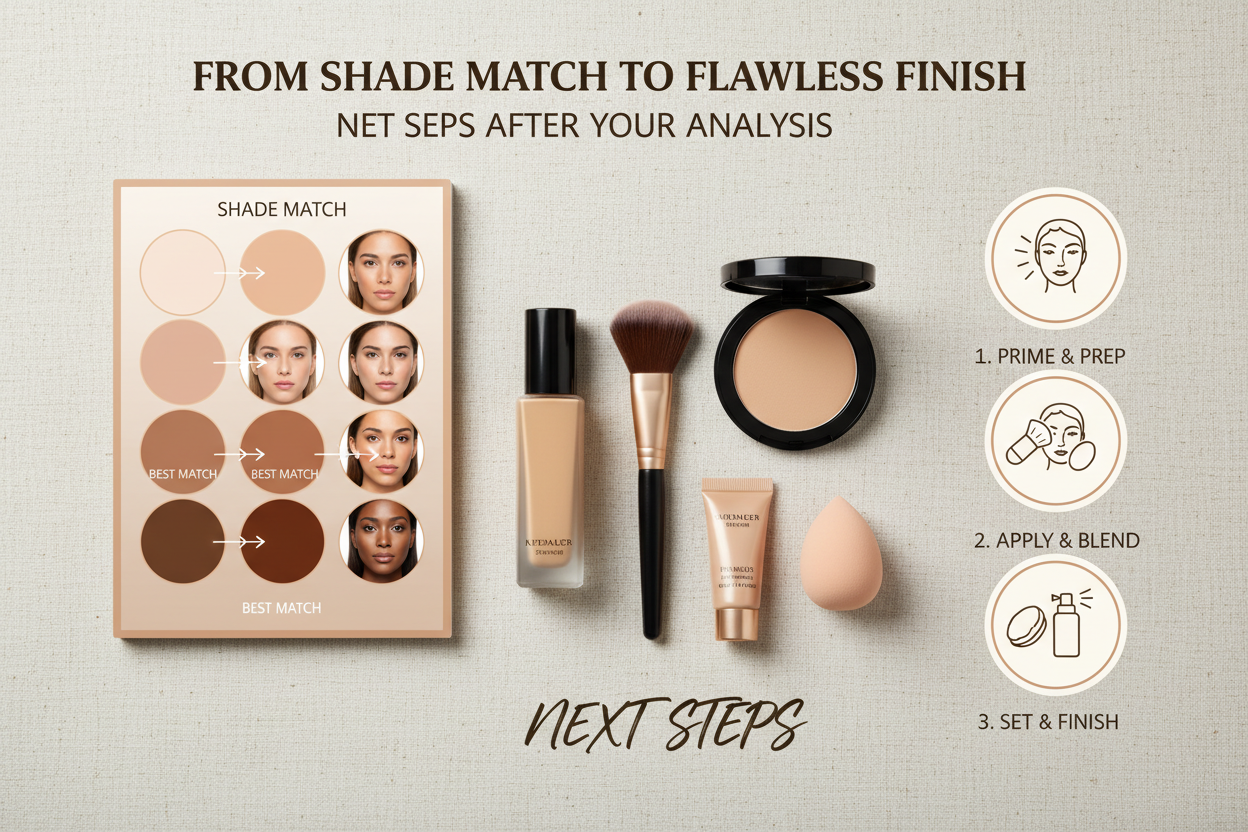
Before ordering, compare the suggested shade on the brand's official product page, check whether the formula offers samples or returns, and look at swatches on more than one skin depth. If you already own a good match, use it as a second reference instead of trusting the photo alone.
Formula matters. A tinted moisturizer may tolerate a slightly imperfect match because skin shows through. A full-coverage matte foundation usually needs a closer depth and undertone match. Concealer has a different job again: a spot concealer should blend into the foundation, while an under-eye concealer may be chosen for correction or controlled brightening.
For a complete buying workflow, including shade families, jaw swatches, seasonal changes, and returns, continue with how to choose a foundation shade online. If you are still deciding between AI, AR, retailer, and quiz-based tools, compare them in the foundation shade finder tools guide.
Still unsure about the undertone?
A shade finder can suggest a bottle. Your personal palette helps explain why warm, cool, neutral, or olive colors behave differently on your skin.
Find My Color Palette →Common Questions: The Ultimate Color FAQ
Can a photo tell me my exact foundation shade?
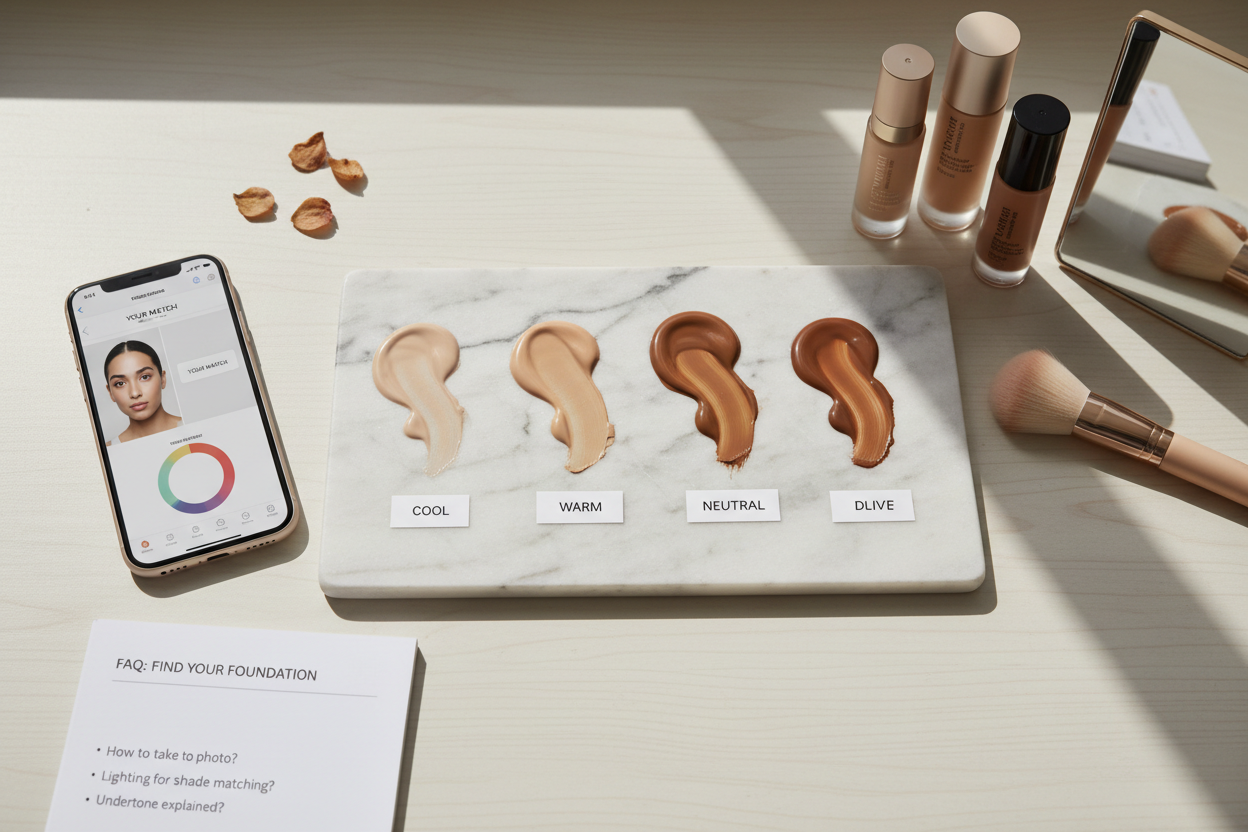
It can estimate a useful shortlist, but it cannot confirm an exact match by itself. Camera processing, lighting, formula, and dry-down all affect the final color. Verify the recommendation with a jaw-to-neck swatch in daylight.
What is the best free foundation shade finder with photo or camera access?
There is no universal best tool because most finders recommend shades from their own product range. Maybelline and Mary Kay currently describe camera-based finders on their official sites. Check current access, consent, and regional availability before starting.
Should I remove makeup before taking the photo?
Yes. Foundation, concealer, tinted moisturizer, self-tanner, and some tinted sunscreens change the color the camera reads. Use bare skin and let temporary redness from cleansing settle first.
Do foundation shade finders work for deep skin tones?
A tool can analyze a deep complexion, but usefulness depends on the shade range and the diversity of the system behind it. Check whether the recommended product offers close depth increments and warm, cool, neutral, or olive options. Always verify on real skin.
Can I use the result to choose concealer or tinted moisturizer?
Use it as a starting depth and undertone reference, not a direct conversion. A tinted moisturizer is more forgiving because it is sheer. Concealer may need to match the foundation for spots or follow a separate correcting and brightening strategy under the eyes.
What should I do when I am between two shades?
Swatch both from jaw to neck, let them set, and check them in daylight. Choose the one that disappears more naturally after drying. If your depth changes with sun exposure, you may need two seasonal shades or a controlled mix within the same formula.